Skip to content
The successor to Netlify CMS and Decap CMS

Sveltia CMS Git-based headless CMS, made right.

Fast, friendly content editing for any static site. Your content stays in your Git repository — no database, no server, no subscription.

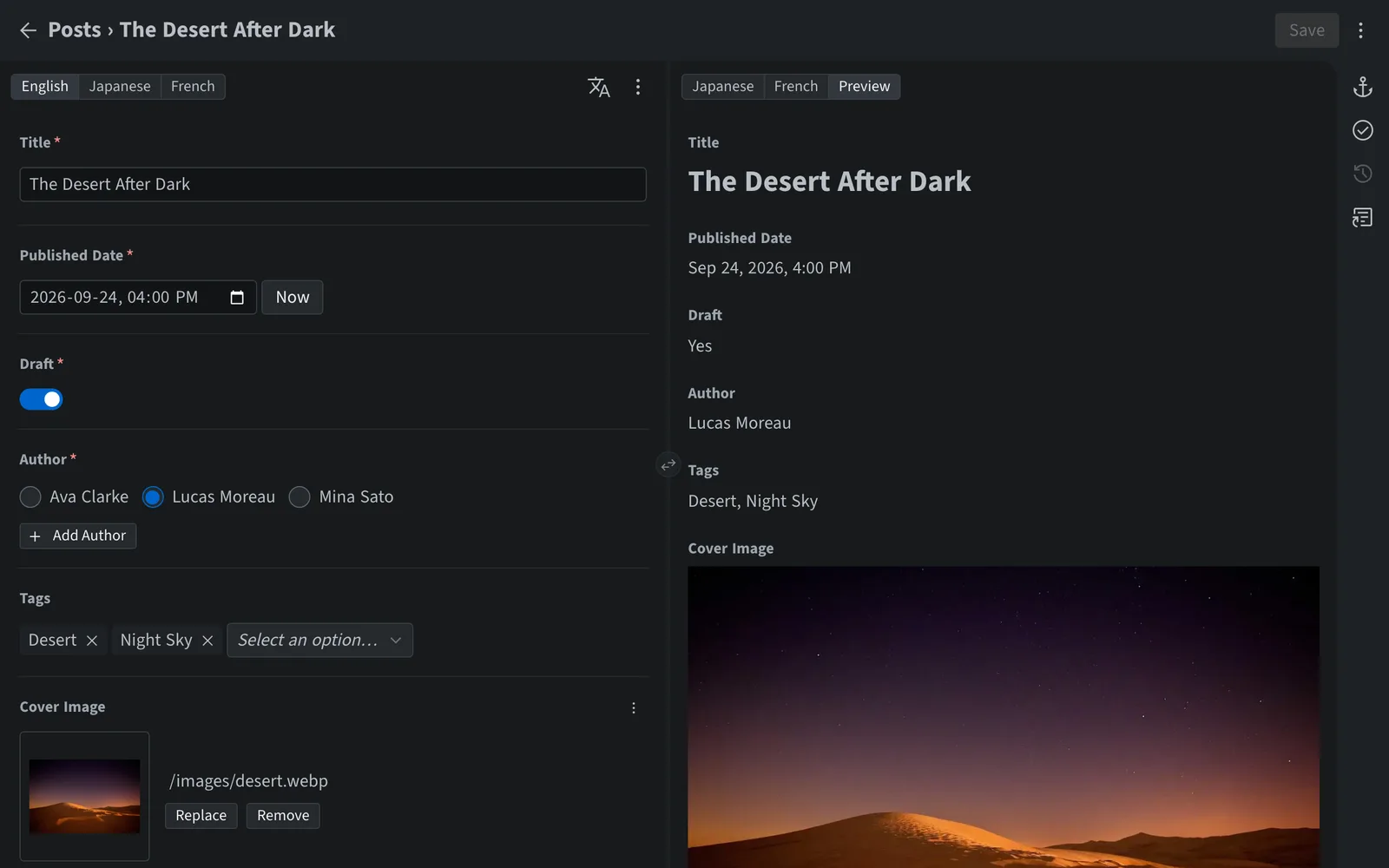
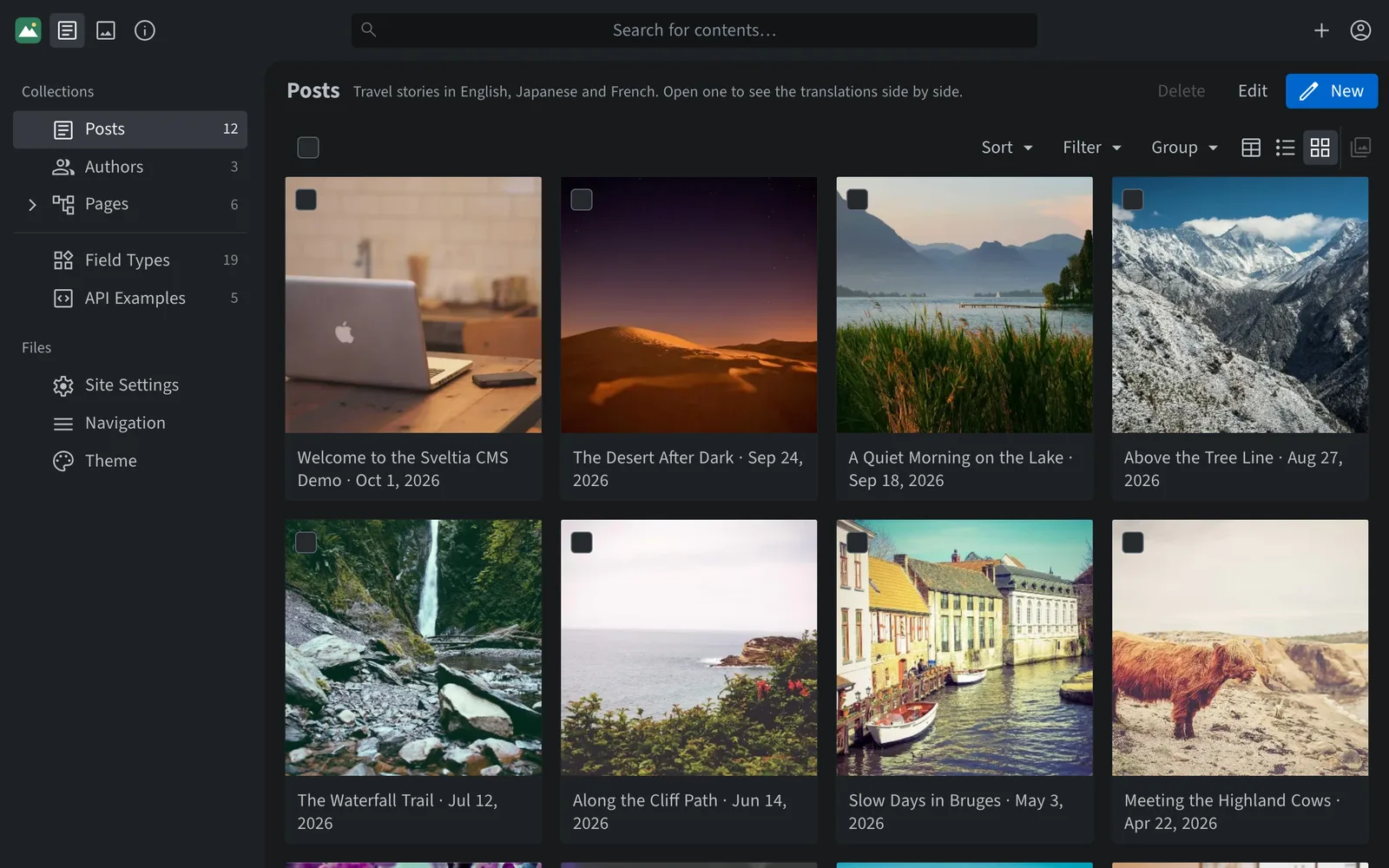
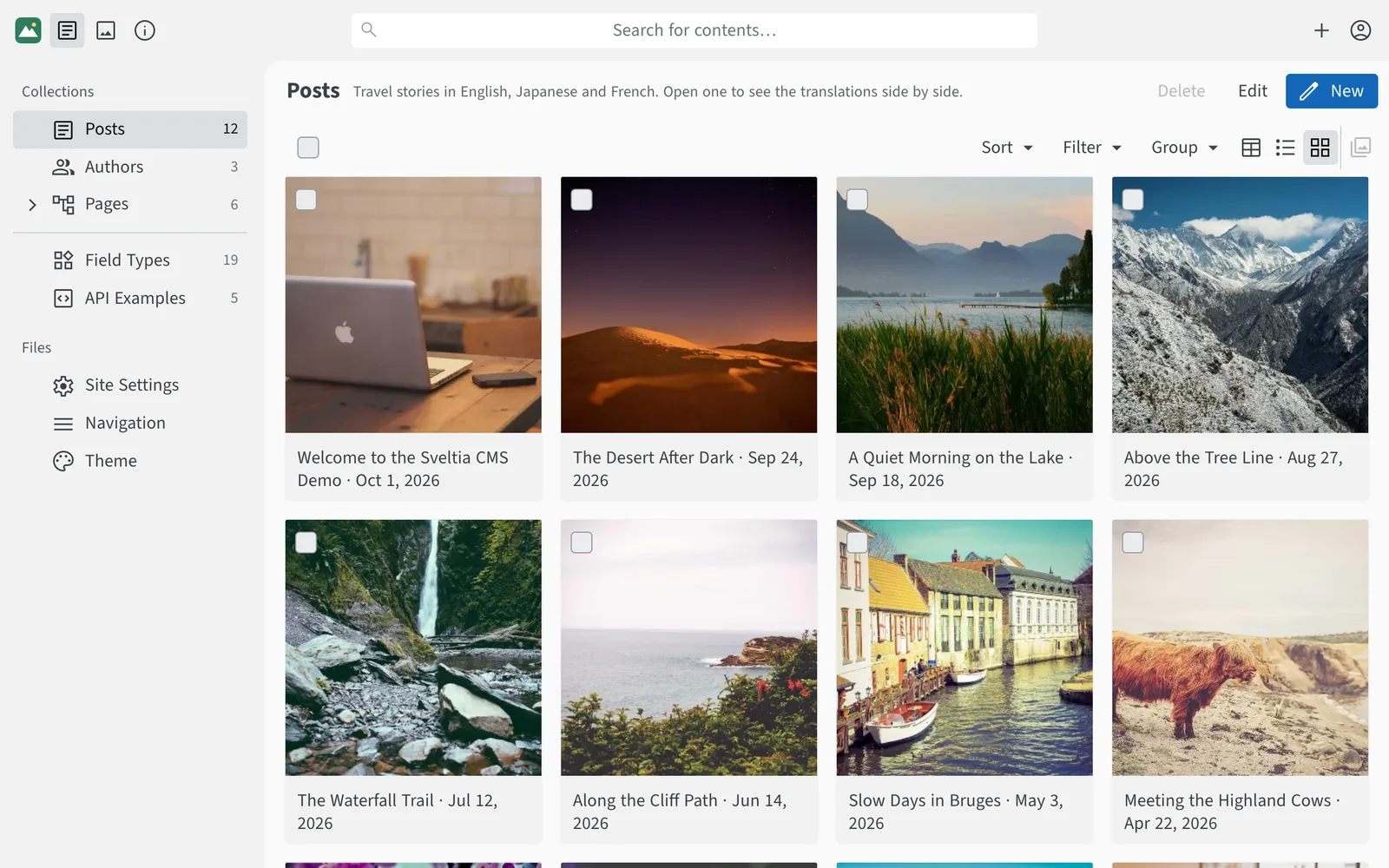
The Sveltia CMS content editor with a blog post on the left and a live preview on the rightThe Sveltia CMS content editor with a blog post on the left and a live preview on the right
weekly npm downloads
20k
releases in the past year
300+
GitHub stars
3k
sites in the showcase
690+
licensed, free forever
MIT

Explore real-world sites built with Sveltia CMS

Built for everyone on your team

One CMS, four happy audiences

Editors get a polished app they enjoy using. Developers get a tool they shape in one config file, with no servers to maintain. Organizations get an easy way to keep their site current, for free, and agencies get a CMS they can hand off to clients with confidence.

An app your team will actually enjoy using

A clean, responsive interface that gets out of the way so people can focus on writing.

  • Intuitive UI with dark mode, keyboard shortcuts and drag-and-drop uploads
  • Instant full-text search across every collection and asset
  • Full-fledged asset library with folders, filters and previews
  • Spreadsheet-style editing of many entries at once
  • Works on phones and tablets, with quick QR code sign-in
  • Drafts are backed up automatically, and you’re warned before overwriting someone else’s changes
  • Accessible by design, with full keyboard and screen reader support
See features for editors
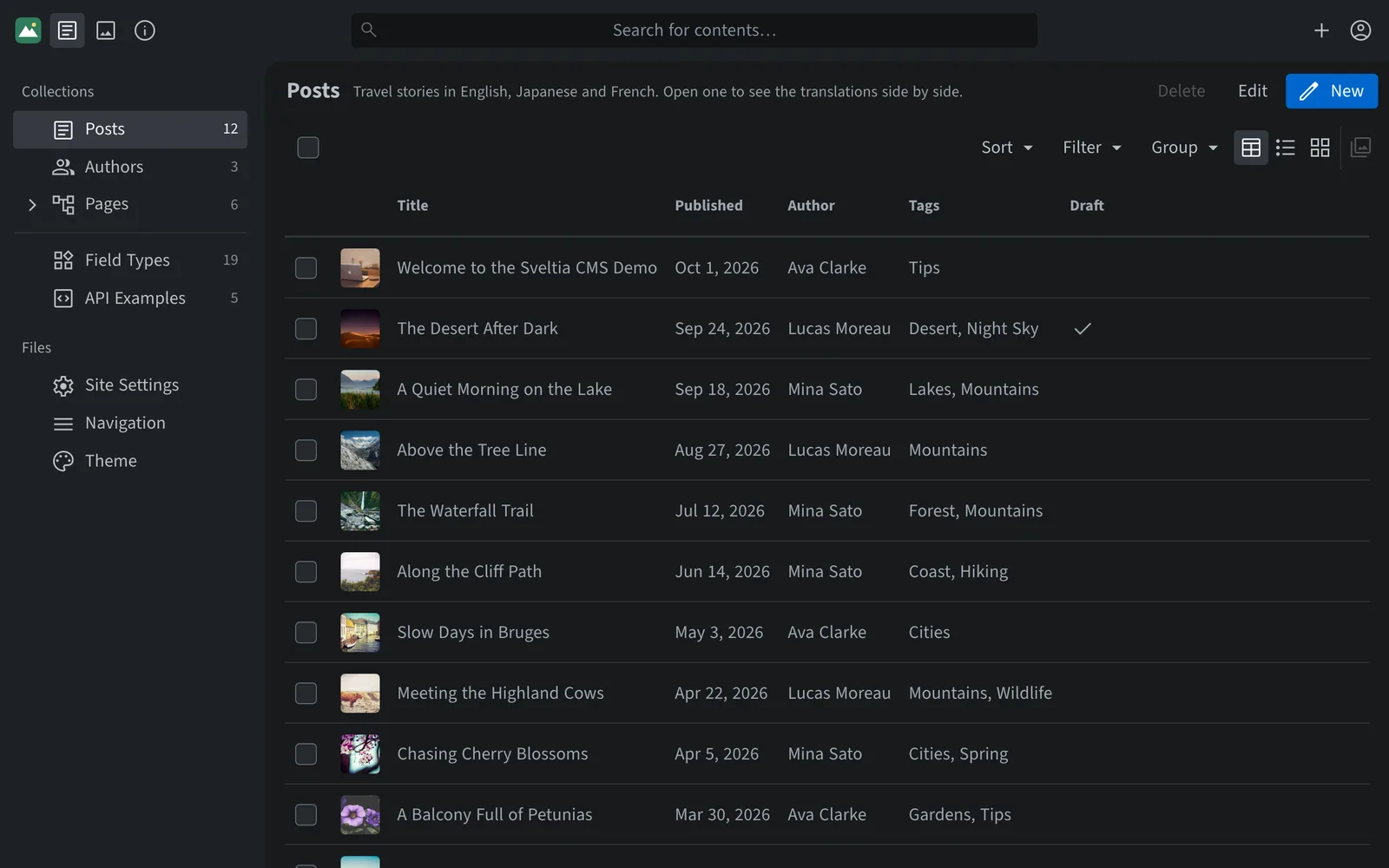
A list of blog posts with thumbnails, publish dates, authors and tagsA list of blog posts with thumbnails, publish dates, authors and tags

Highlights

Everything a modern CMS should be

Features that would be paid add-ons elsewhere come built in.

Asset library

Every image and file, one click away

Browse, search and reuse all your media in a full-fledged asset library. See where each file is used, and turn on the built-in optimizer to convert uploads to WebP.

Explore the asset library
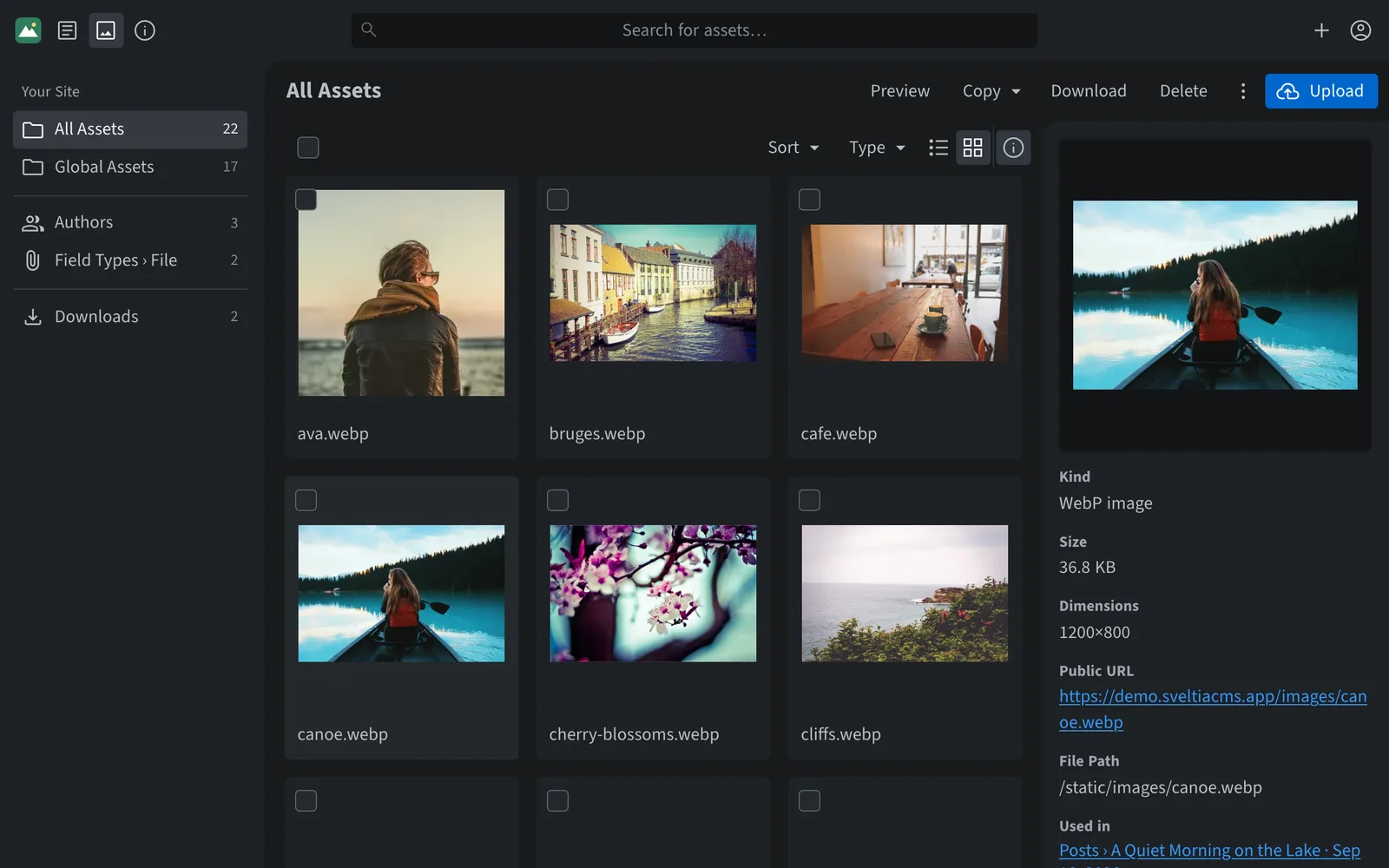
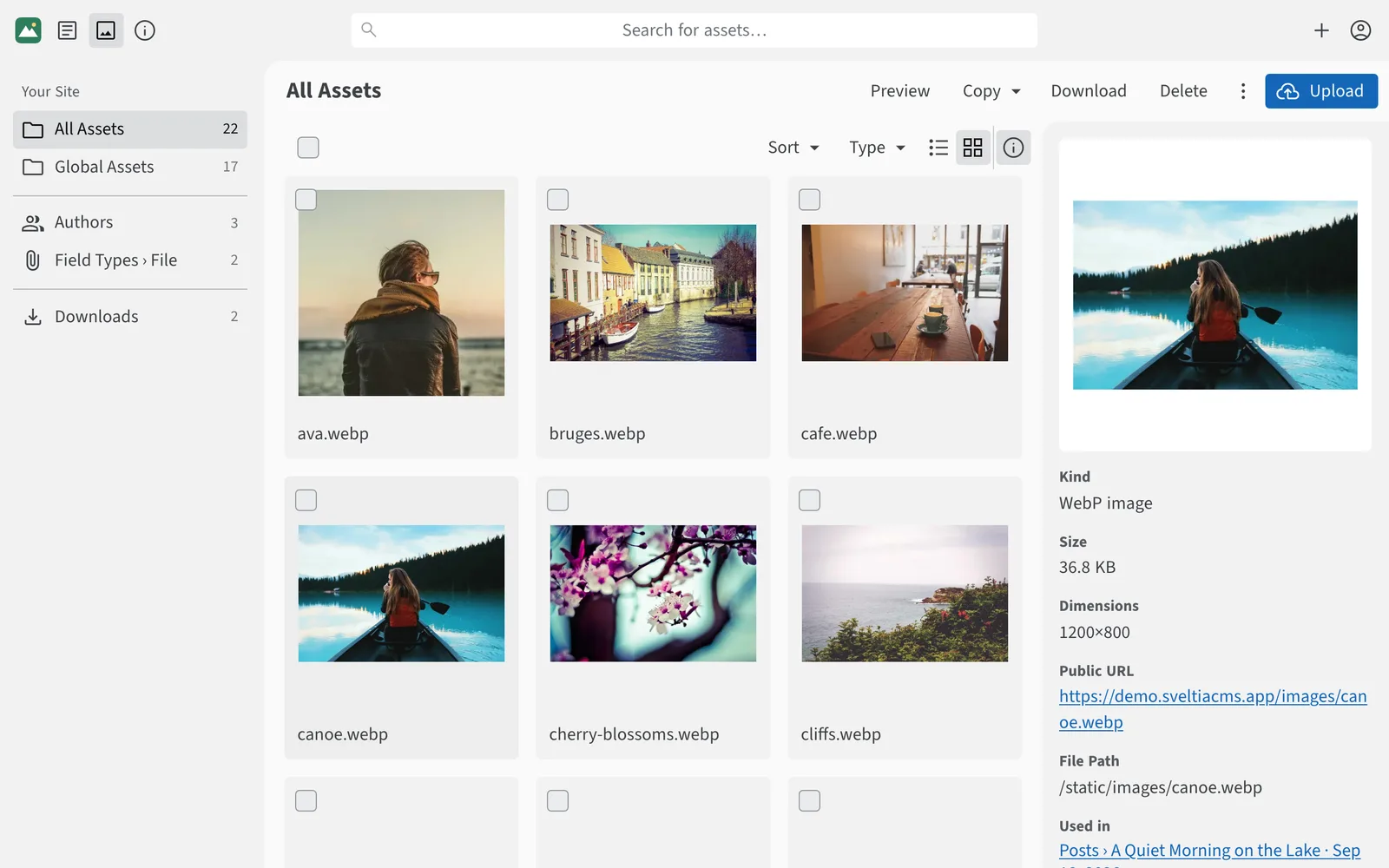
The asset library showing a grid of photos and the details of a selected imageThe asset library showing a grid of photos and the details of a selected image

Stock photos

Millions of free photos, right inside the editor

Search Pexels, Pixabay and Unsplash with a free API key, or browse Lorem Picsum with no setup, without leaving the CMS. Insert an image with a single click. Credit information is ready to copy when attribution is required.

Set up stock photos
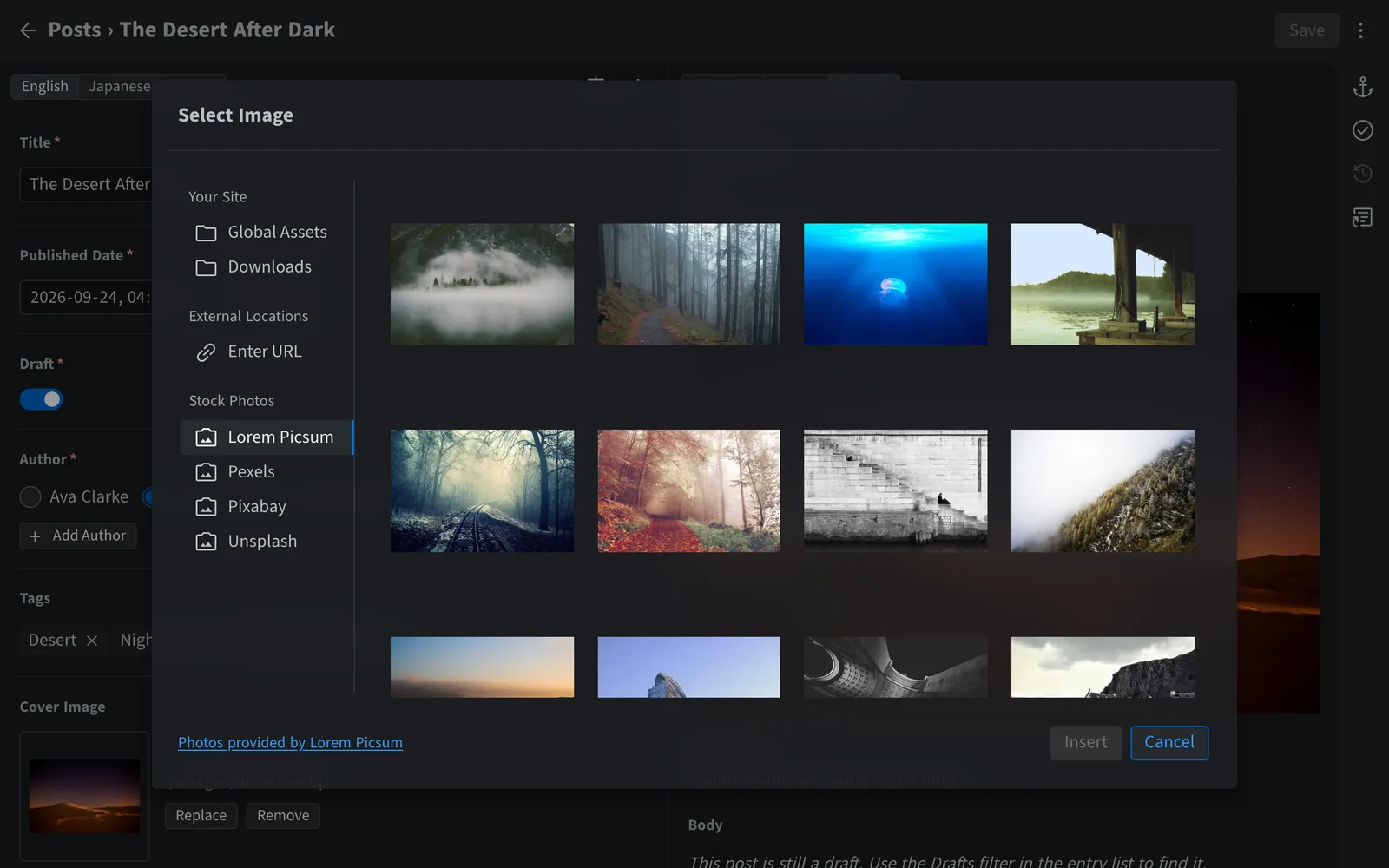
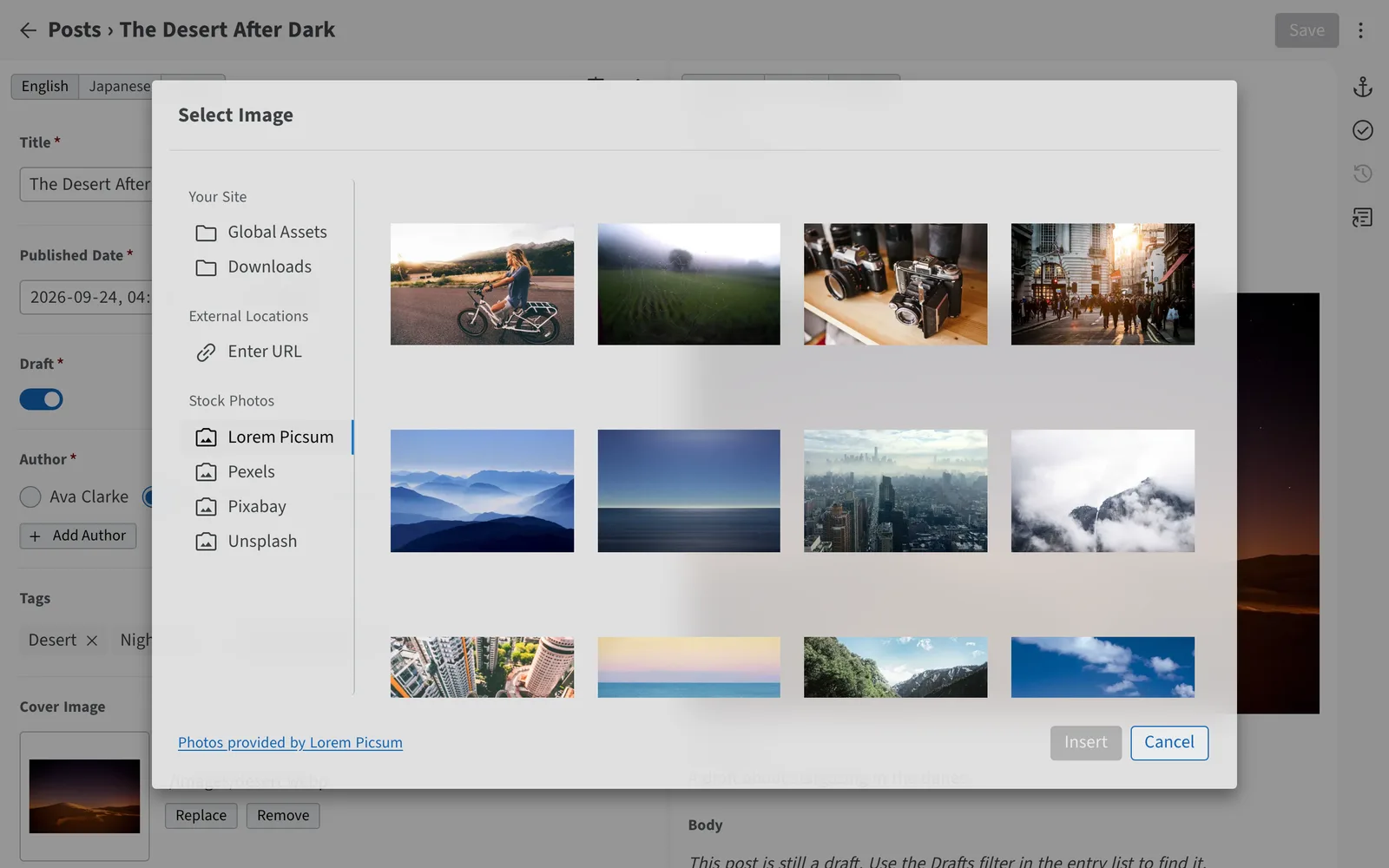
The image picker with Lorem Picsum, Pexels, Pixabay and Unsplash stock photo sourcesThe image picker with Lorem Picsum, Pexels, Pixabay and Unsplash stock photo sources

Multilingual content

Edit languages side by side, translate in one click

Work on two languages at once, with missing translations flagged in the language switcher. Translate a whole entry or a single field using Google Cloud Translation or an AI model from Anthropic, OpenAI and others — just add your own API key. Each language is stored the way your framework expects.

Explore multilingual features
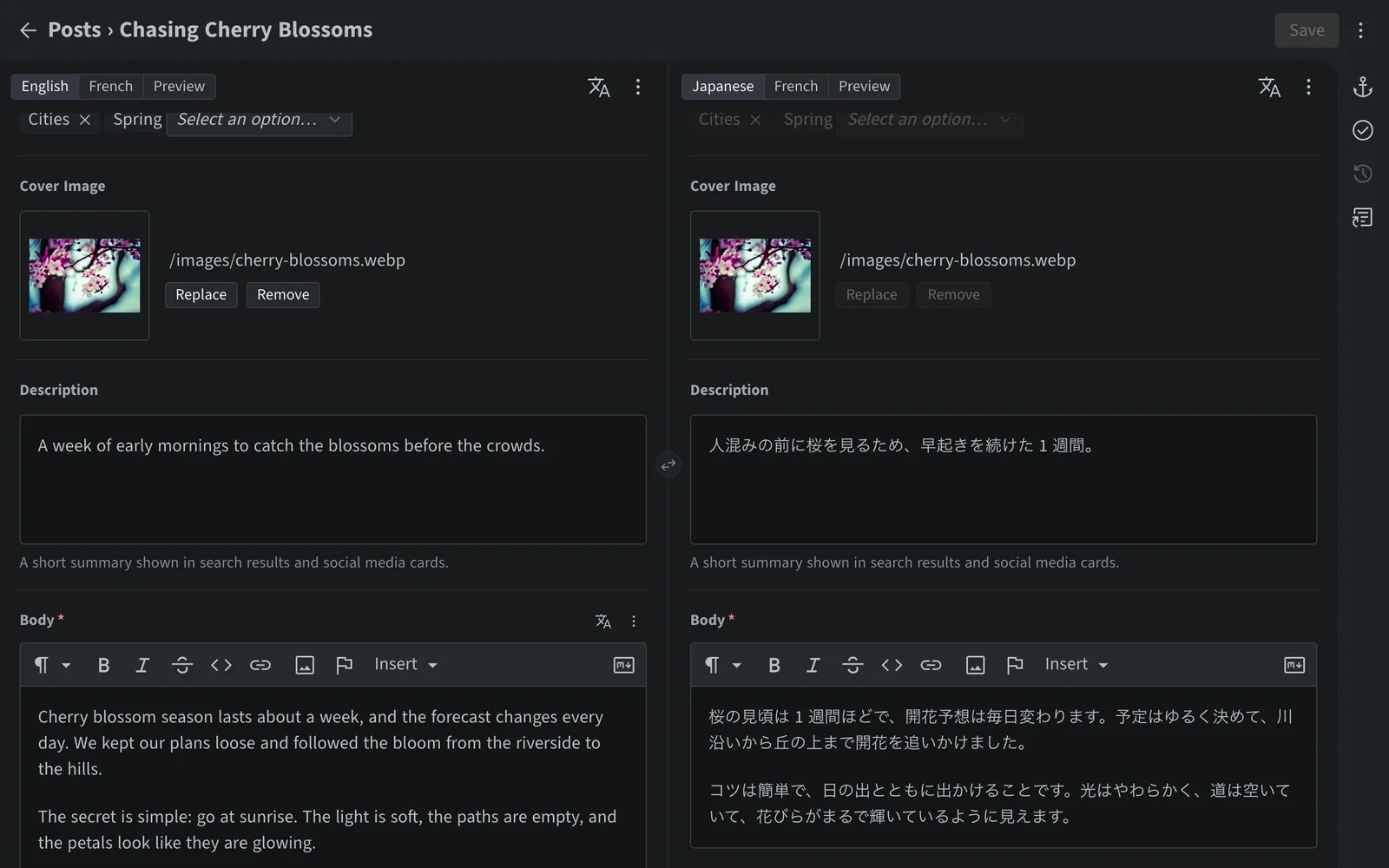
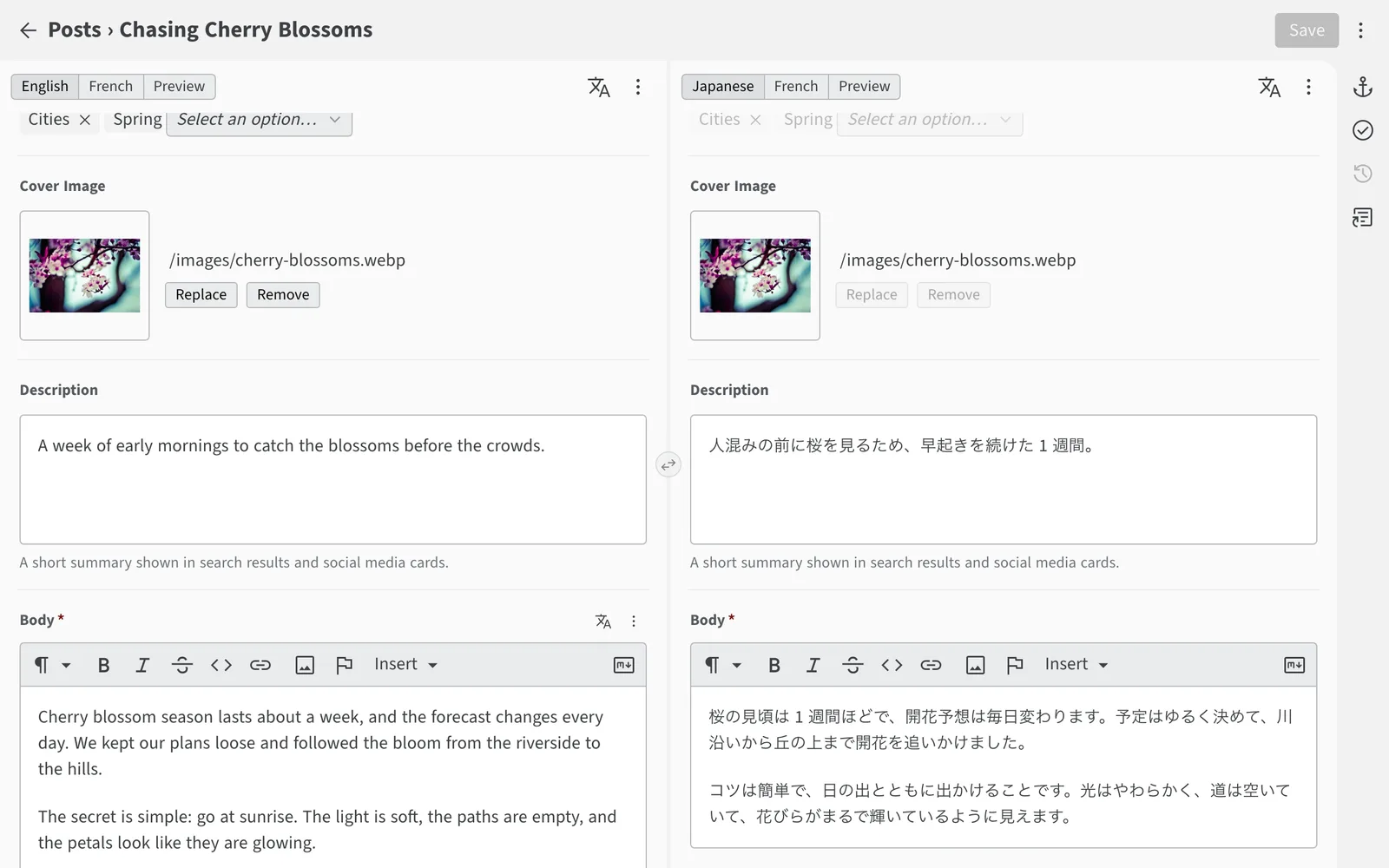
A blog post edited in English and Japanese side by sideA blog post edited in English and Japanese side by side

Content modeling

Model any content, from blog posts to site settings

Combine built-in field types — rich text, relations, lists, objects, maps, colors, code and more — into collections and singletons that match your site. Need something else? Add your own with the JavaScript API.

Browse the field types
admin/config.yml
collections:
  - name: posts
    folder: /content/posts
    fields:
      - { name: title, widget: string }
      - { name: cover, widget: image }
      - { name: tags, widget: relation, collection: tags, multiple: true }
      - { name: body, widget: richtext }

singletons:
  - name: settings
    file: /data/settings.yml
    fields:
      - { name: site_title, widget: string }
      - { name: accent_color, widget: color }
      - name: social_links
        widget: list
        fields:
          - { name: url, widget: string }

Relations

Works like a database, stays plain files

Link entries with Relation fields and see every backlink. Create related entries on the fly, enforce unique values and auto-numbering, and let cascading updates and deletes keep every reference intact. Your content is still plain Markdown, YAML or JSON in Git.

Learn about relations
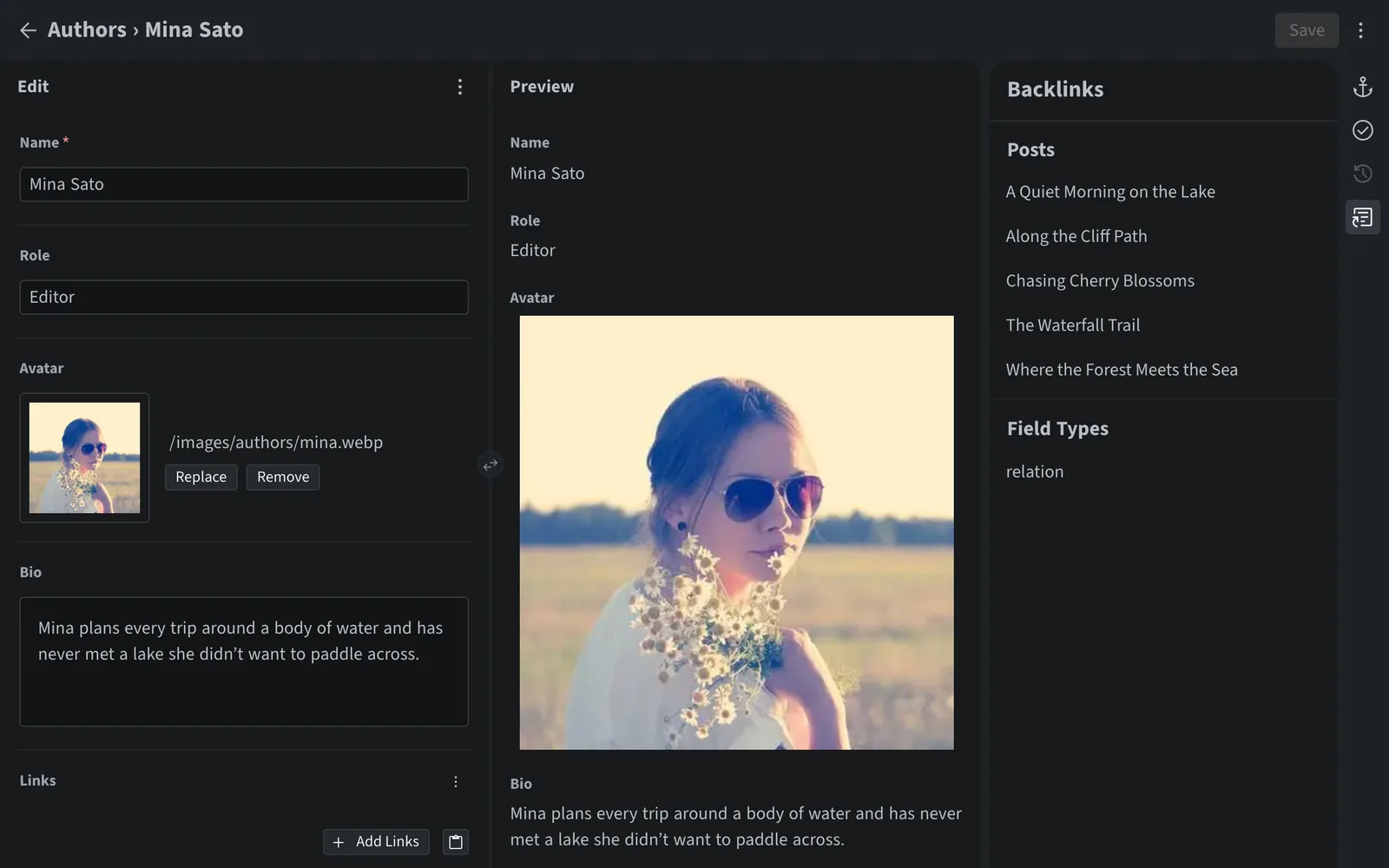
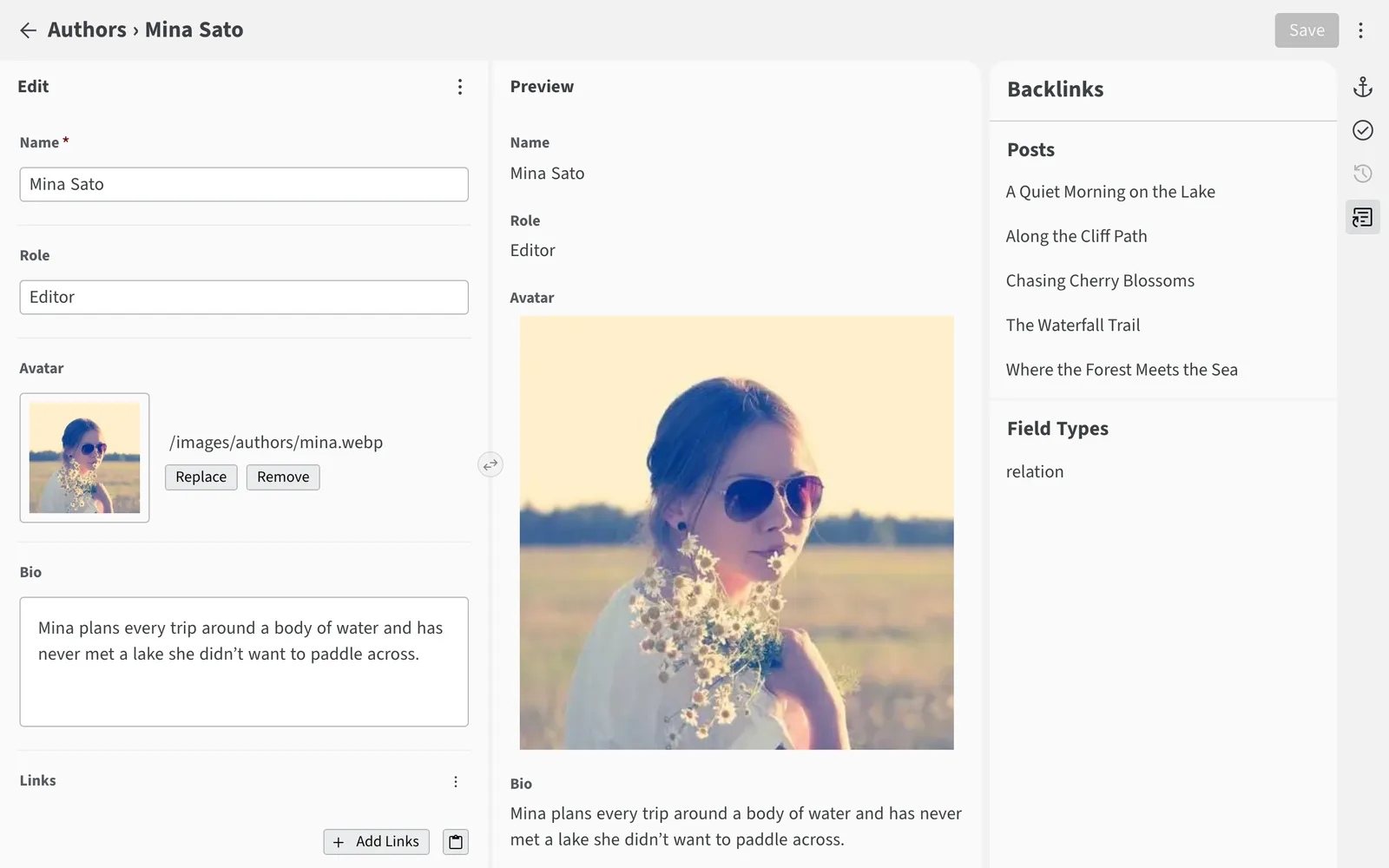
An author entry with the Backlinks panel listing the five posts that reference herAn author entry with the Backlinks panel listing the five posts that reference her

Collaboration

Teamwork without stepping on each other’s toes

If someone else saves the entry you’re editing, a notice tells you who changed it and when, and saving over their change needs your confirmation. The History panel lists each commit with its author and date, and the Editorial Workflow sends changes for review, with only the stages your team needs, plus Save and Publish for quick fixes.

Explore publishing workflows
admin/config.yml
publish_mode:
  type: editorial_workflow
  # Skip “In Review”: a saved draft can be marked “Ready” right away
  stages: [draft, pending_publish]
  # Offer “Save and Publish” for quick fixes
  direct_publish: true

See all features

Migration

Coming from Netlify CMS or Decap CMS?

Sveltia CMS is the successor to both Netlify CMS and Decap CMS, offering a complete modern rewrite and serving as a direct replacement. It reads your existing configuration, so migrating most sites is as simple as swapping one script tag.

index.html
Removed: <script src="https://unpkg.com/decap-cms@^3.0.0/dist/decap-cms.js"></script>Added: <script src="https://unpkg.com/@sveltia/cms/dist/sveltia-cms.js"></script>
  • Built from scratch, with no technical debt
  • Actively developed with frequent releases
  • Maintained by an experienced UX engineer
  • Many more powerful features and options
  • Stable, performant, accessible and reliable
  • Comprehensive, up-to-date documentation
  • Vibrant community with helpful support
  • Hundreds of sites migrated to Sveltia CMS
Netlify/Decap CMS issues solved, including duplicates
855+
typical turnaround for a bug fix
< 8 hours
more weekly npm downloads than Decap CMS
2x
more releases in the past year than Decap CMS
14x
smaller compressed bundle size than Decap CMS
~45%
of Sveltia CMS users came from Netlify/Decap CMS
~30%

Developers love Sveltia CMS

What people are saying on Bluesky.

  • Mike Masnick’s avatar
    Mike Masnick
    @masnick.com
    Among other things, I talk about how I’m using @sveltiacms.app as part of making the site work. Definitely recommended if others are looking for a simple cms.
  • Andrew Roberts’s avatar
    Andrew Roberts
    @ajr.sh
    @britegrid.io nailed the core architecture, his improvements on top Decap CMS, and his ongoing attentiveness and care as a maintainer. best git-based CMS on the market, very grateful it’s available as open source software
  • Sheikh’s avatar
    Sheikh
    @cybar.dev
    This is such a nice Git-based headless CMS, it’s truly amazing. I’m very impressed. A lot more customizable and performant than Decap, and it’s responsive on mobile. This might be what finally gets me to blog more often. 😁
  • lugshar’s avatar
    lugshar
    @lugshar.pl
    Moved @tesserakt.dev website from Keystatic to @sveltia.dev a few days ago, and it was a breeze. The editing experience is almost on par, while additional features make up for everything. Proud to finally have our website available in English, too!
  • Cristian Ros’s avatar
    Cristian Ros
    @cristianros.dev
    I’m actually trying Sveltia CMS rn for some projects I need to tackle and the experience is being awesome so far, just yesterday they added reordering entries, the only thing I would want is typescript first support to get types and imports directly from collections but I’m loving it!
  • Vale’s avatar
    Vale
    @vale.rocks
    Personally love blogging in markdown, but @mastrojs.bsky.social put me onto Sveltia, which is pretty nice if you want something more graphical.
  • h3w’s avatar
    h3w
    @hwww.org
    Been testing and following Sveltia since a bit now, and I love it! Thanks for making it happen, and congratulation on the great tool and UX. There are thousands reasons decap/sveltia are my CMS of choice.
  • Anil Dash’s avatar
    Anil Dash
    @anildash.com
    ah! it’s published using Eleventy. The CMS (such as it is) is Sveltia, backed by Github, which works great on Netlify.
  • fiona’s avatar
    fiona
    @marioparty.blog
    just deployed our switch to sveltia cms! still ironing out some expectations between sveltia cms and our 11ty site, but no more blockers. very happy with what we’ve seen so far, thanks for the awesome work!!
  • Gomez’s avatar
    Gomez
    @longsquarehead.bsky.social
    mann, I was banging my head against the wall trying to figure out oAuth with decap, but switching to sveltia seamlessly enabled me to use fine-grained PATs to log in, thank god
  • hyceate’s avatar
    hyceate
    @hyceate.bsky.social
    honestly my favorite so far. quick and simple. lol I did use decap/netlify/static cms but was hoping for a more active project. happy this exists. fits my needs nicely with 11ty.
  • Seb Duggan’s avatar
    Seb Duggan
    @sebduggan.uk
    Have just migrated (very easy!) from Decap to Sveltia. Very impressed so far…
  • Simon Lagerlöf’s avatar
    Simon Lagerlöf
    @smn.codes
    Happy to see @sveltiacms.app on Bluesky! At this point **the best** GIT based CMS I’ve come across, fantastic work by @britegrid.io 🥳
  • Dylan Beattie’s avatar
    Dylan Beattie
    @dylanbeattie.net
    I plugged Sveltia CMS into dylanbeattie.net the other day. It’s AWESOME. It’s a standalone WYSIWYG editor built in JS Svelte that connects directly to GitHub. My website is still a static Jekyll site, everything is Markdown or HTML, all hosted free on GitHub Pages - but now it has a built-in editor.
  • Jay Campbell’s avatar
    Jay Campbell
    @aftertime.com
    Spent the weekend building a no-cost, secure web site using Cloudflare Pages, GitHub, and Sveltia CMS. Vibe coded the entire thing. The content admins don’t need to know HTML to maintain it. I hadn’t built any new web hosting infrastructure in over a decade. Feeling accomplished! 🤩

Give your static site the CMS it deserves

Free and open source, with no server to set up. No sign-up, no credit card, no lock-in.